Without a route
Waiting for Monday.
The request sits in a shared inbox until someone checks it.
Leads & Automation
Connect the tools you already use so your team can see what came in, who owns it and what happens next.
Renovation quote request
The handover
The hardest part is often what happens between the tools your team already uses.
The enquiry reaches a shared inbox. Everyone can see it, but nobody knows who should pick it up.
The customer’s message is in one tool, the quote in another and the latest update in a chat.
A proposal goes out. A busy week later, nobody is sure whether anyone followed up.
Compare two ways the same Friday enquiry could reach Monday. These are fictional scenarios.
Friday · 5:42 pm A homeowner requests a renovation quote.
Without a route
The request sits in a shared inbox until someone checks it.
With an agreed route
Log the scope and assign a discovery task to the estimates team.
Next: Review the brief before calling the homeowner.
LeadOS product preview
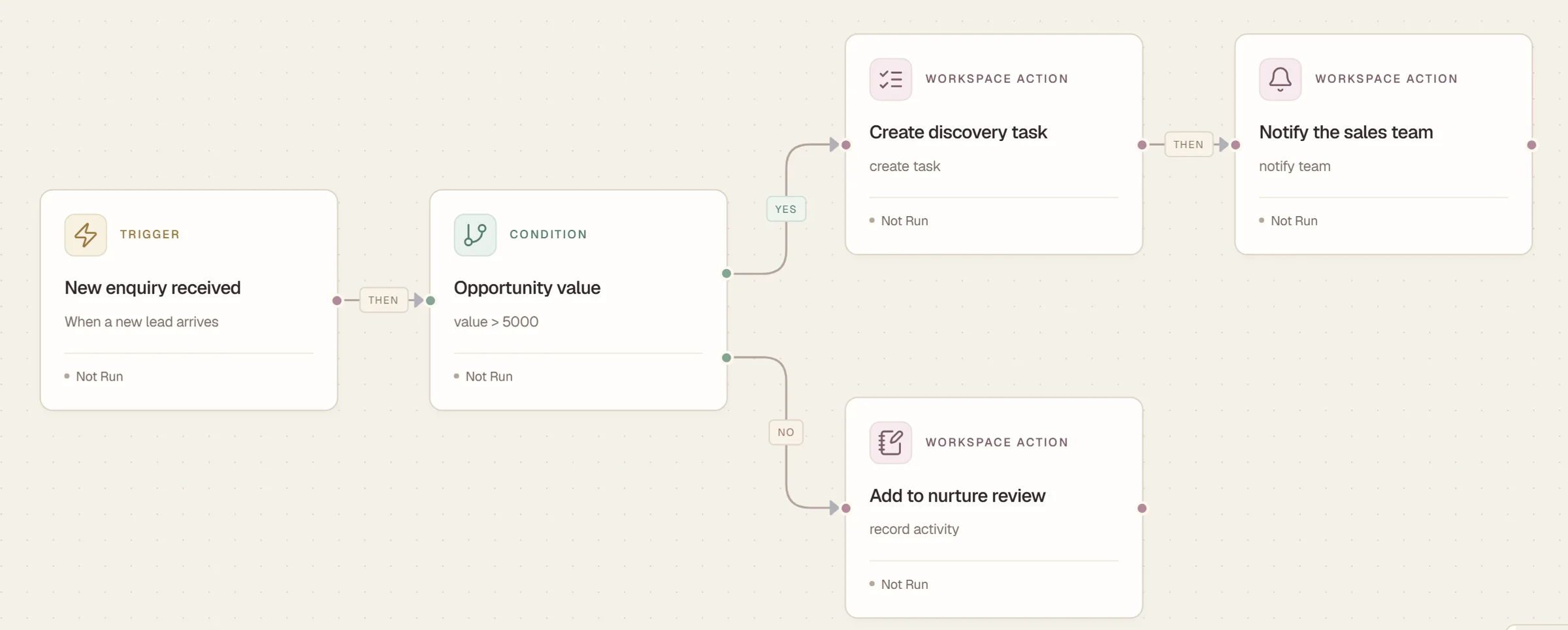
Automation Studio shows how a rule can turn an enquiry into a task for the right team. This capture uses sample data.
A new enquiry starts this workflow.
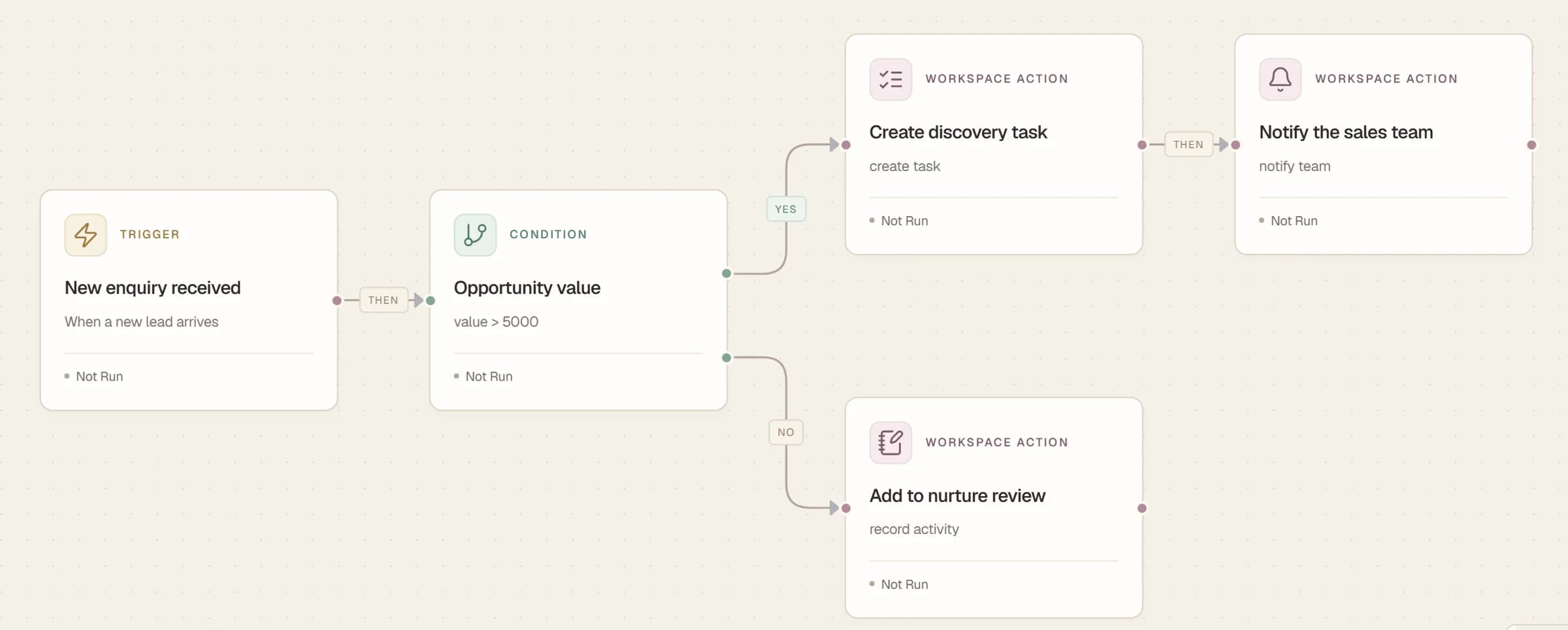
Follow-up workflow
When a stage changes, this sample rule checks for an open proposal, waits a day and creates an internal follow-up task. Otherwise, it records a stage review.
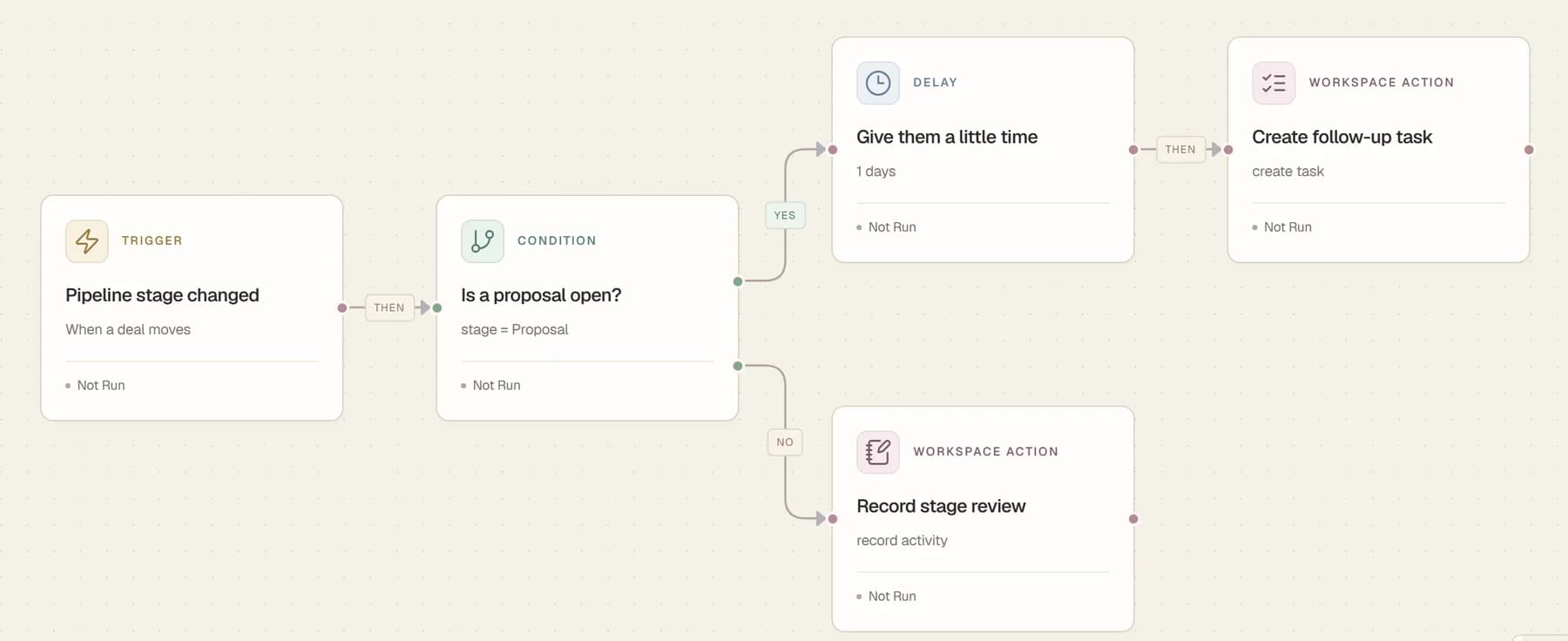
We check what each tool supports before agreeing where information should go and who can see it.
Working concept demos for fictional businesses. Each illustrates a different way to collect a request.
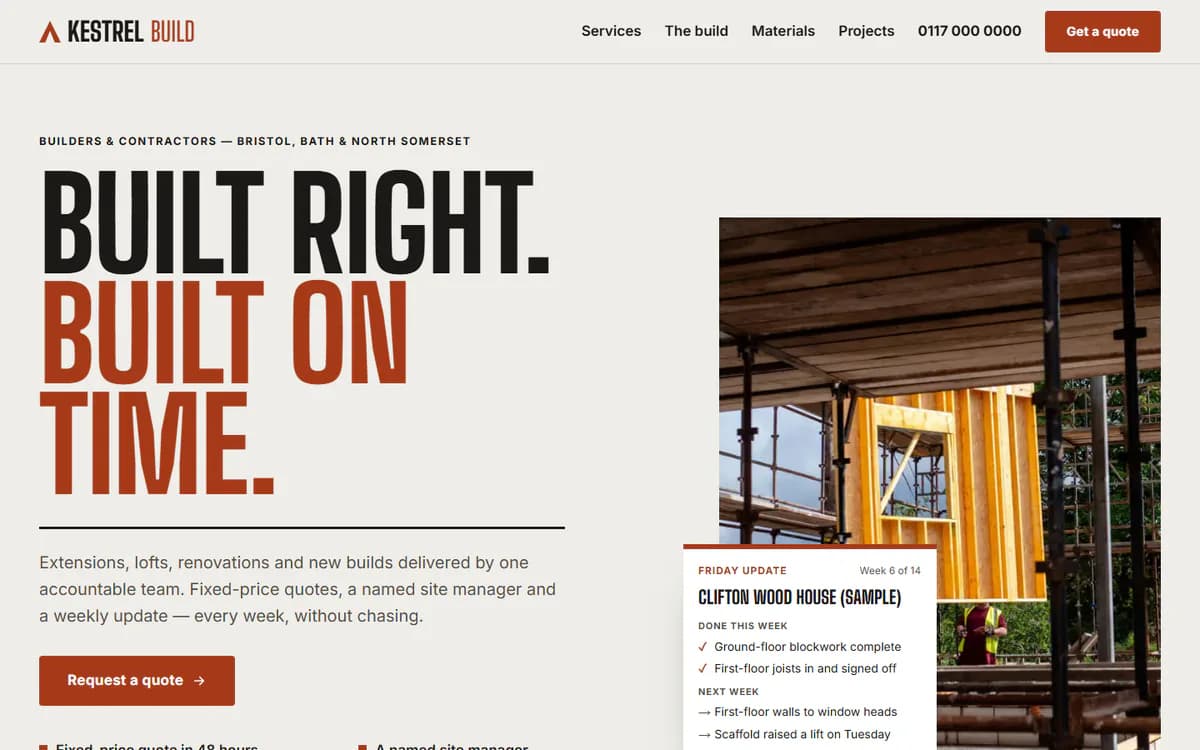
A guided quote form collects details about a building project.
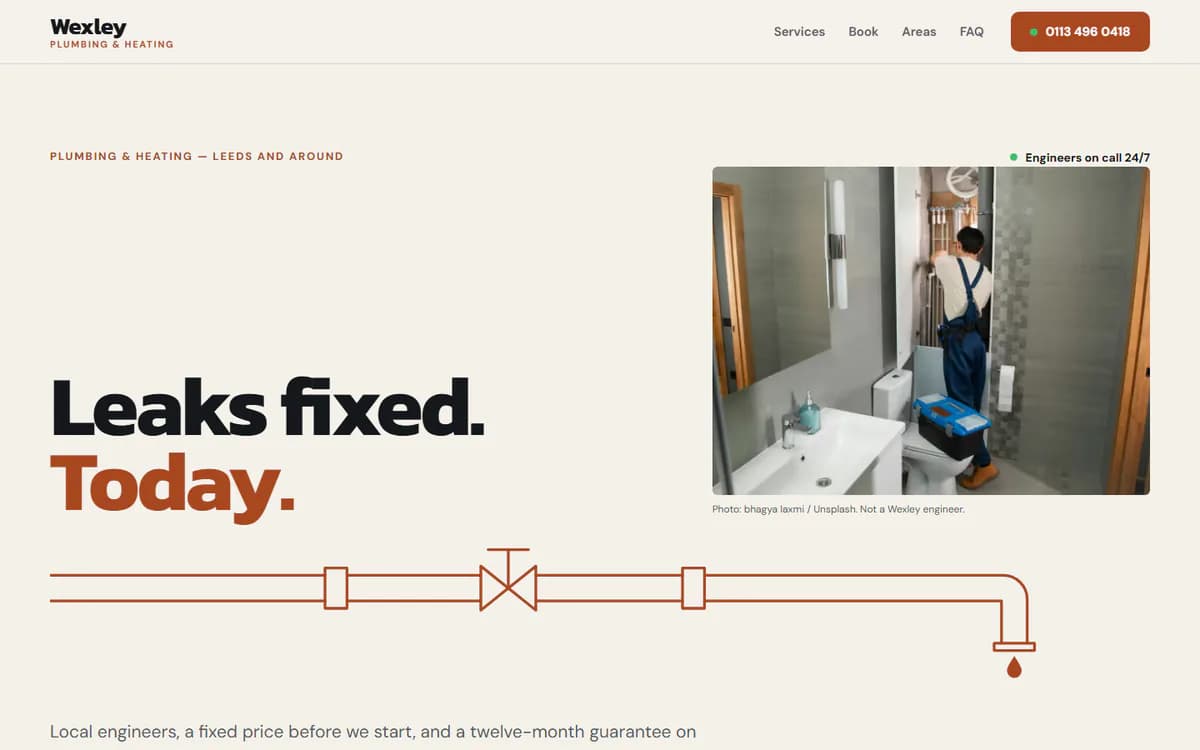
A booking form asks for the job details and preferred timing.
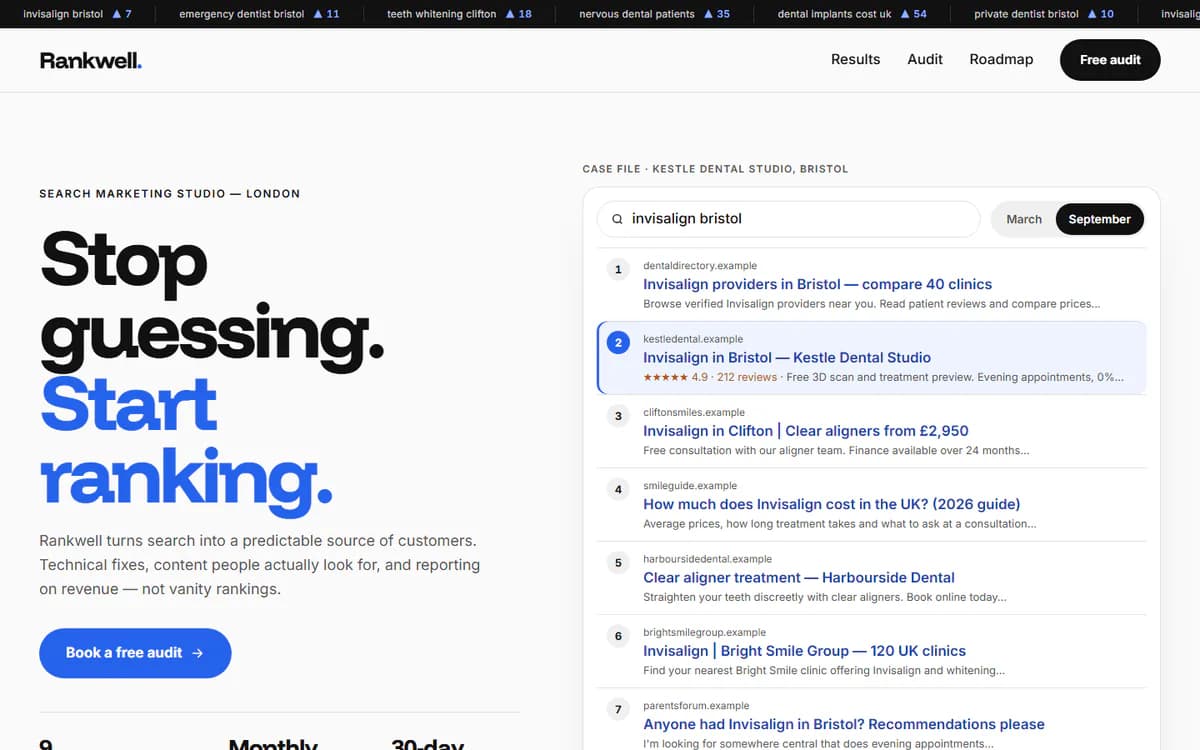
An audit request gives the visitor a clear first step.
Three steps from the first conversation to a handover your team can use.
Show us where enquiries arrive, what your team does with them and where things get stuck.
Choose where details go, who owns the next step and what should happen in unusual cases.
Walk through sample requests together, including duplicates, missing details and failed connections.
Where they support a suitable connection, yes. We check access, limits and subscription requirements before agreeing the scope.
Yes. A single handover, such as assigning new quote requests, is a practical starting point.
The LeadOS preview shows rules for internal tasks and notifications using sample data. Customer messaging is a separate integration that needs its own scope and checks.
The number of tools and steps, the state of your data, and how exceptions need to be handled all affect the work.