Customer portal concept
What’s happening with my service?
 Open Northgate concept demo
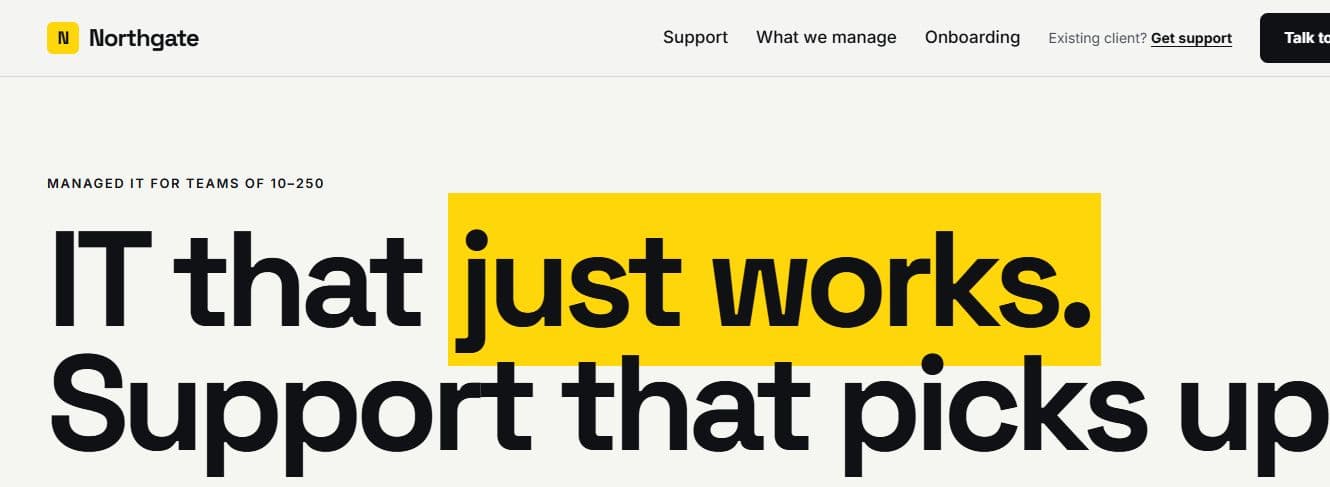
Northgate puts service health and open tickets into a single sample client view.
Explore NorthgateCustom Business Software
Give your team one reliable place to see where work stands, make decisions and share the right updates.
One shared record
Customer platform & onboarding
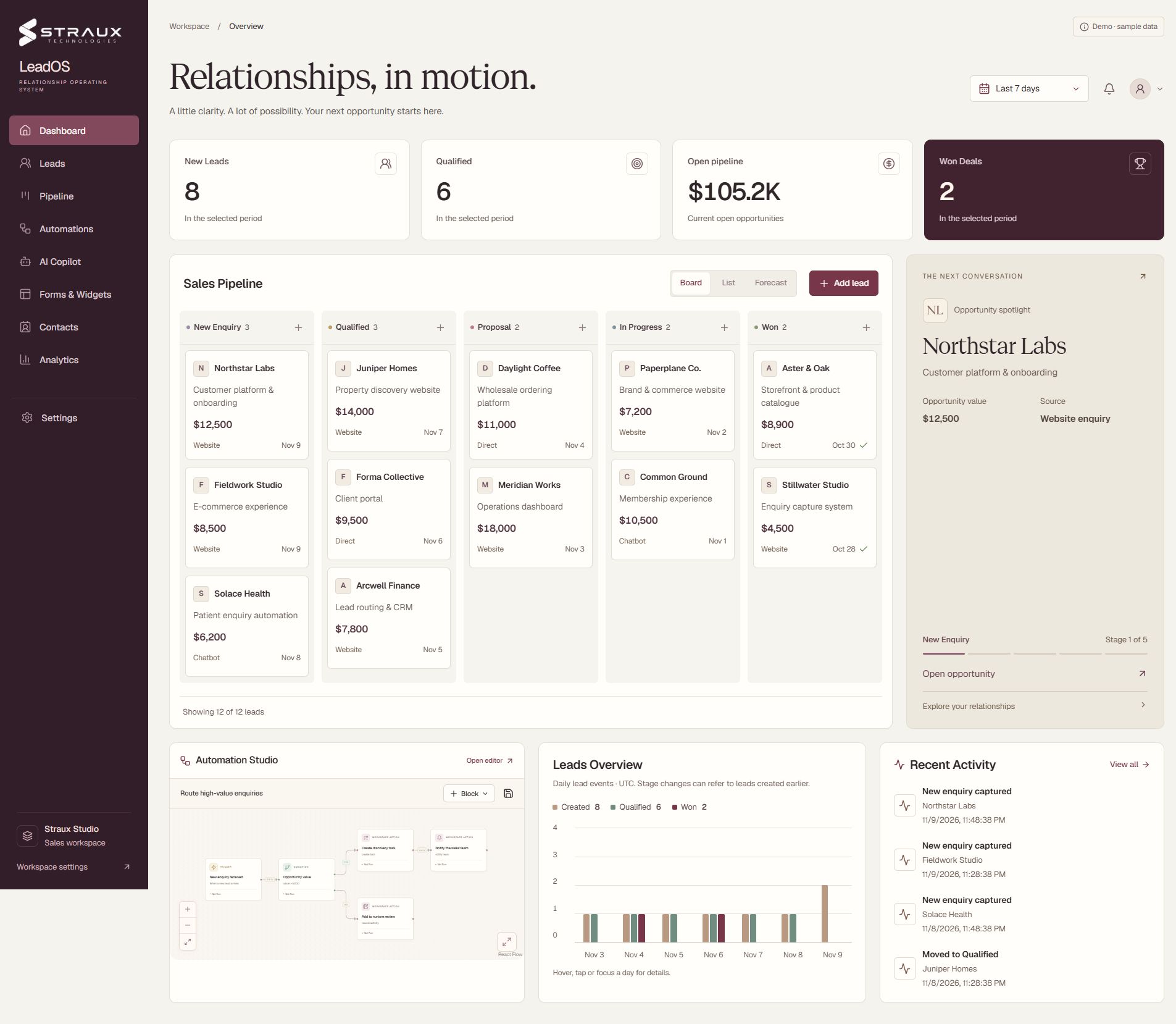
LeadOS product preview · Fictional sample data

Northstar Labs appears in the opportunity spotlight alongside the team’s open work and recent activity.
View full-size dashboard captureKeep what works. Consider a custom tool when shared records, access rules or repeated workarounds become part of every day.
Two people update separate copies of the same sheet. By the next meeting, the figures disagree.
Customers chase for progress because the latest status is buried in an internal thread.
Someone has to export and reconcile records before anyone can make a decision.
Illustrative software design
Imagine a service job moving from booked to ready for review. Each person sees the part of the job they need.
See two working concepts with fictional data, each designed around a different business question.
Customer portal concept
Open Northgate concept demoNorthgate puts service health and open tickets into a single sample client view.
Explore NorthgateDecision tool concept
 Open the Calder & Rowe scenario model
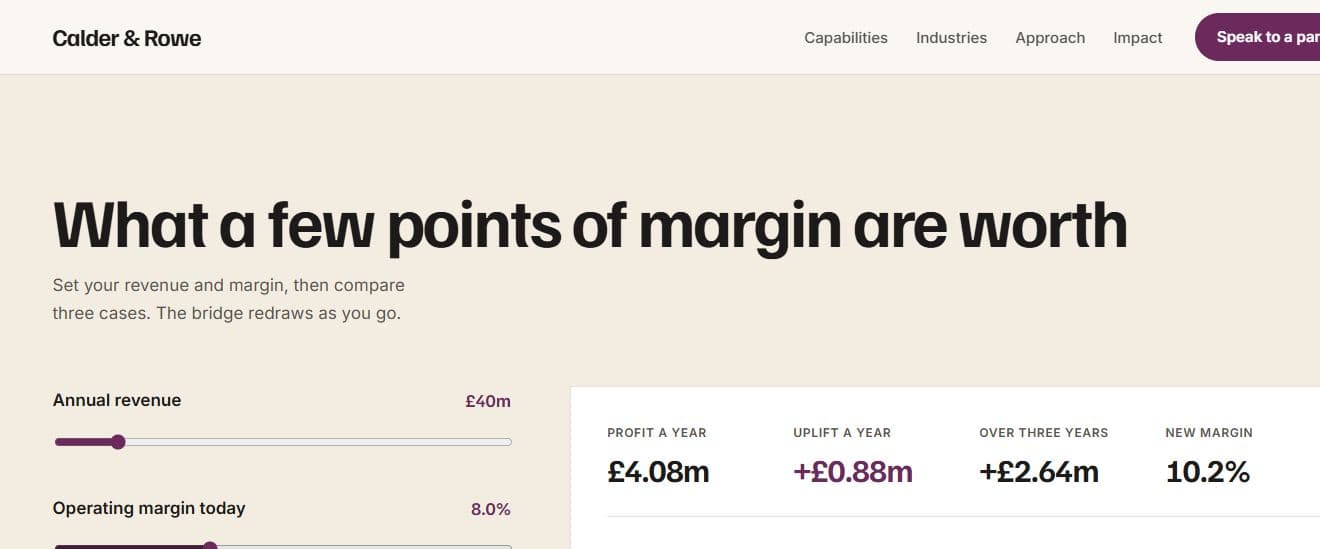
Calder & Rowe’s model recalculates an illustrative profit bridge as you change revenue, margin or scenario.
Try the scenario modelBring a process that costs your team time or creates confusion. We’ll work through what a first version needs to do.
Map one process with the people doing it. Agree what’s broken, which tools can stay and what a useful first version looks like.
Review the screens, who can see or edit each detail, and what should happen when a job takes an unusual turn.
Try realistic records and awkward cases, including duplicates, missing details and failed connections.
Agree who owns the software, how your team learns it and what support or changes are in scope after launch.
Start with a process you repeat often. If a spreadsheet or subscription already does the job well, keep it. Custom work can make sense when shared records, access rules or repeat workarounds are holding your team back.
Yes. We can agree a first version for one workflow or team, with clear boundaries and room to extend it if needed.
We review exports, permissions, data quality and connection options before agreeing what stays, what moves and what needs manual review.
The screens, access rules, data migration and connections all affect scope. We agree who maintains the software and price any ongoing support separately.